OpenTimestamps vs Timestamp GIT: Which Is Right for Your Code?
OpenTimestamps vs Timestamp GIT: Which Is Right for Your Code?
If you need cryptographic proof that a commit existed at a specific moment, the choice usually comes down to two paths: use the OpenTimestamps protocol directly, or install Timestamp GIT and let a managed GitHub App do the work every night. Both approaches anchor hashes into the Bitcoin blockchain. Both produce .ots receipt files that can be verified with standard OpenTimestamps tooling. The real decision is operational: do you want to own the entire pipeline yourself, or do you want a zero-setup service that treats proof of existence as a background feature of your Git workflow?
This article walks through that buying decision for developers, engineering managers, and compliance-minded teams.
The Choice: Raw Protocol or Managed Service?
OpenTimestamps is the underlying open protocol for anchoring a hash to Bitcoin. It defines how a SHA-256 digest gets committed into a Bitcoin transaction, how Merkle paths are generated, and how .ots receipts prove the data existed before a specific block.
Timestamp GIT is a managed SaaS product built on that same protocol. It installs as a GitHub App, watches your repositories, batches commit hashes nightly, anchors them into Bitcoin, and writes the proofs back to a dedicated branch or shadow repository. You never handle calendar servers, Merkle trees, or Bitcoin transactions yourself.
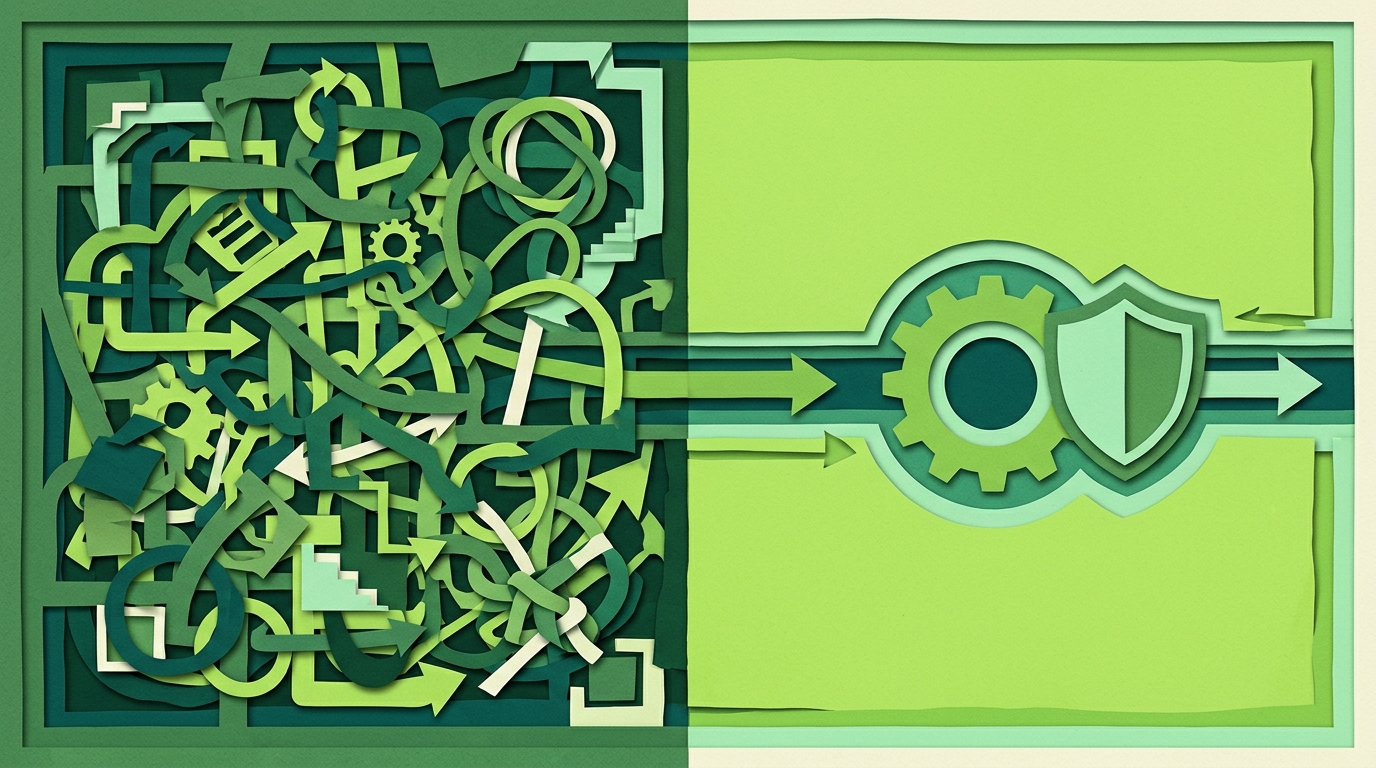
So OpenTimestamps vs Timestamp GIT is less “which cryptography is better” and more “build versus buy.” The cryptographic anchor is the same. The difference is who assembles the receipts, schedules the batch, pays for the Bitcoin transaction, monitors confirmation, stores the artifacts, and builds the verification UI.
The Landscape: Two Paths to Bitcoin-Anchored Proof
OpenTimestamps as a raw protocol
OpenTimestamps is free, open source, and vendor-independent. It is a toolkit for people who want full control over every step: creating commit hashes, aggregating them, submitting them to public calendar servers, handling Bitcoin transaction fees, and managing .ots files.
The raw path is technically demanding. You need to understand how timestamp commitments work, how to structure Merkle trees, how to wait for Bitcoin confirmations, and how to keep receipts safe. You also need to script the process if you want it to run automatically for every commit. Many teams build internal cron jobs or glue scripts around the protocol. The hard way gives you maximum control, but it is not a product: there is no dashboard, no badge generator, no PDF certificate, and no repository integration out of the box.
Timestamp GIT as a managed automation layer
Timestamp GIT hides that complexity behind a GitHub App. Installation is a one-time GitHub App authorization. After you select a repository, the service reads only the commit hash, not the source code. Each night, a worker groups pending hashes, creates manifest files, builds a Merkle tree, creates OpenTimestamps proofs, and anchors the Merkle root into the Bitcoin blockchain. Once Bitcoin confirms the anchor — usually a few hours later — the .ots receipts are pushed back to your repository.
The result is the same mathematically undeniable prior-art proof, but the workflow looks like this:
- Push a commit to a monitored repository.
- Timestamp GIT detects the new HEAD commit hash.
- The nightly batch anchors the hash to Bitcoin.
- The proof appears in a
timestampsbranch or shadow repository. - You get a verification badge, a web viewer, a CSV audit ledger, and a PDF certificate if needed.
There is no CLI to install on your developer machines, no calendar server to configure, and no manual Bitcoin transaction management.
Selection Criteria: Ease, Automation, Security, Price, Integration
Ease of use
Raw OpenTimestamps requires real cryptographic and blockchain literacy. You need to know what a Merkle proof is, how to verify a receipt against Bitcoin block headers, and how to preserve .ots files. Timestamp GIT reduces the entire process to installing a GitHub App and choosing repositories. The product manages proof generation, storage, and verification links.
Automation
OpenTimestamps is manual by default. You create timestamps when you decide to run the process. Automating it means building and maintaining your own scheduling, batching, and Bitcoin interaction layer.
Timestamp GIT runs a nightly cron worker. It stores commit hashes in an in-memory queue, groups them by repository, creates daily manifests, builds a Merkle tree natively, and anchors the Merkle root. Proof delivery then happens automatically to a dedicated branch or shadow repo. You do not need to remember to stamp anything.
Security model
Raw OpenTimestamps is fully self-custodied. You hold the data, the proofs, and the responsibility. No third party sees anything. That is attractive for highly sensitive environments, but it also means you must secure every artifact yourself.
Timestamp GIT uses a zero-knowledge architecture. In Standard Mode, the GitHub App reads only the HEAD commit hash. The service never sees, copies, or stores your source code. In Enterprise ZK Mode, a GitHub Action runs on your infrastructure and pushes only the commit hash to the Timestamp GIT API. Your source code never leaves your environment, and the source repository does not even need to be readable by the app.
Pricing
OpenTimestamps is free as a protocol, but it costs engineering time. You pay with maintenance, custom scripting, infrastructure, and the risk of doing it wrong.
Timestamp GIT has:
- Open Source plan: free for public repositories.
- Pro Agency: $49/month for private repositories.
- Enterprise ZK: $199/month with GitHub Actions-based zero-knowledge mode.
- Docker Self-Hosted: a license-based Docker image for air-gapped or fully controlled environments.
Integration
OpenTimestamps requires you to build integrations yourself: Git hooks, CI jobs, storage, dashboards, audit exports.
Timestamp GIT ships with:
- A GitHub App.
- A REST API for status, verification, audit CSV, and PDF reports.
- Embeddable verification badges for README files.
- A public repository status dashboard with calendar heatmaps, anchor dates, and Bitcoin block data.
- A Docker Compose deployment for self-hosting.
For example, a public status check looks like this:
curl https://timestampgit.dev/api/statusSummary/your-org/your-repo
For private repositories, the API appends an encrypted HMAC so only authorized users can view status. The HMAC is specific to the server instance.
Side-by-Side Comparison: OpenTimestamps vs Timestamp GIT
| Criterion | OpenTimestamps (raw protocol) | Timestamp GIT (managed service) |
|---|---|---|
| What it is | A protocol, not a product | A managed SaaS + GitHub App built on the protocol |
| Setup complexity | High: calendar servers, Merkle trees, Bitcoin fees, local receipt management | Low: install GitHub App once, select repositories |
| Automation | Manual per timestamp or custom scripts | Automatic nightly cron, batching, Merkle root anchoring, proof delivery |
| Source code access | You control everything; no third party involved | Zero-knowledge: only commit hashes are processed, never source code |
| Proof generation | You create and manage .ots receipts yourself |
.ots receipts generated nightly and pushed to a timestamps branch or shadow repo |
| Verification | Standard OpenTimestamps tools, but you manage access to files and bitcoind data | Web viewer, PDF certificate, public badges, API endpoints, plus standard .ots verification |
| Pricing | Free as protocol; costs engineering time and infrastructure | Free for public repos; $49/mo Pro; $199/mo Enterprise ZK; Docker self-hosted license |
| Support and UI | Community knowledge, self-supported tooling | Managed support, dashboards, audit CSV, PDF certificates, API |
Timestamp GIT uses OpenTimestamps under the hood, so the proofs it produces remain compatible with standard OpenTimestamps verification tools. There is no proprietary proof format, no lock-in, and no dependency on the Timestamp GIT company for the cryptographic validity of the receipts.
Verdict: Who Should Pick Which
Choose raw OpenTimestamps if you:
- Are blockchain-savvy and comfortable with Merkle proofs, calendar servers, and Bitcoin transaction details.
- Want full self-custody with no third-party dependency whatsoever.
- Already have internal tooling or a dedicated team to build and maintain timestamp infrastructure.
- Need a fully custom batch pipeline that is not tied to GitHub.
Choose Timestamp GIT if you:
- Want a zero-setup, automated solution that integrates with GitHub.
- Need court-ready prior-art proof without learning the underlying protocol.
- Want proofs delivered to a dedicated branch or shadow repository every night.
- Prefer a dashboard, verification badges, audit exports, and PDF certificates out of the box.
- Run a startup, agency, or freelance practice where engineering time is better spent on the product, not on timestamp infrastructure.
For enterprises that need air-gapped environments or full data control, the Docker self-hosted option provides the same Timestamp GIT workflow inside your own infrastructure:
services:
  timestampgit:
    image: rue1401/timestampgit:prod
    ports:
      - "8080:8080"
    volumes:
      - ./data:/app/data
      - ./license.lic:/app/license.lic:ro
    restart: unless-stopped
  valkey:
    image: valkey/valkey:8
    restart: unless-stopped
On first launch, a setup wizard guides you through connecting the GitHub App and configuring the instance. A time-limited demo license is available for evaluation.
FAQ
Q: Is Timestamp GIT just a wrapper around OpenTimestamps?
A: Yes, Timestamp GIT uses the OpenTimestamps protocol to anchor commit hashes to the Bitcoin blockchain. However, it fully automates the process: you install the GitHub App, and every commit is batched nightly, hashed, and anchored without any manual steps. You never need to run OpenTimestamps commands or manage Bitcoin transactions.
Q: Can I verify Timestamp GIT proofs with standard OpenTimestamps tools?
A: Absolutely. Timestamp GIT generates standard .ots receipt files that can be verified using any OpenTimestamps-compatible verifier. The proofs rely only on SHA-256 and Bitcoin block data, so they are vendor-independent and can be checked even if Timestamp GIT disappears.
Q: Does Timestamp GIT see my source code?
A: No. Timestamp GIT only processes commit hashes, never the actual source code. In the standard GitHub App mode, it reads only the HEAD commit hash. In Enterprise ZK mode, a GitHub Action on your infrastructure pushes only the hash to the API, so your code never leaves your environment.
Q: What if I already use OpenTimestamps manually? Can I switch to Timestamp GIT?
A: Yes, you can switch seamlessly. Timestamp GIT will start anchoring your future commits automatically. Existing OpenTimestamps proofs remain valid and can be verified independently. There is no migration needed; you simply install the GitHub App and select the repositories to monitor.
Conclusion
OpenTimestamps is the cryptographic foundation. Timestamp GIT is the product that makes that foundation usable by normal development teams. If you have the expertise and the time to run raw OpenTimestamps yourself, you get maximum control. If you want the same Bitcoin-anchored prior-art proof without the operational burden, Timestamp GIT gives you a GitHub App, automatic nightly anchoring, verification badges, API access, PDF reports, and a zero-knowledge security model.
For step-by-step setup, see Set Up Automatic Git Commit Timestamping in Minutes and Install a GitHub App for Automatic Code Timestamping.
Start with Timestamp GIT and choose the deployment mode that fits your threat model — managed, Enterprise ZK, or self-hosted Docker.
Related posts
- Set Up Automatic Git Commit Timestamping in Minutes
- Install a GitHub App for Automatic Code Timestamping