Automating Python Compilation with Py2Native in Your CI/CD Pipeline
Automating Python Compilation with Py2Native in Your CI/CD Pipeline
Automating Python code compilation starts with removing the manual uv run py2native build ... from release day. If you are still shipping .py files or running builds by hand before every release, you are inviting the same set of mistakes: a missed flag, a stale artifact, a wrong platform, or source code that accidentally lands somewhere it should not.
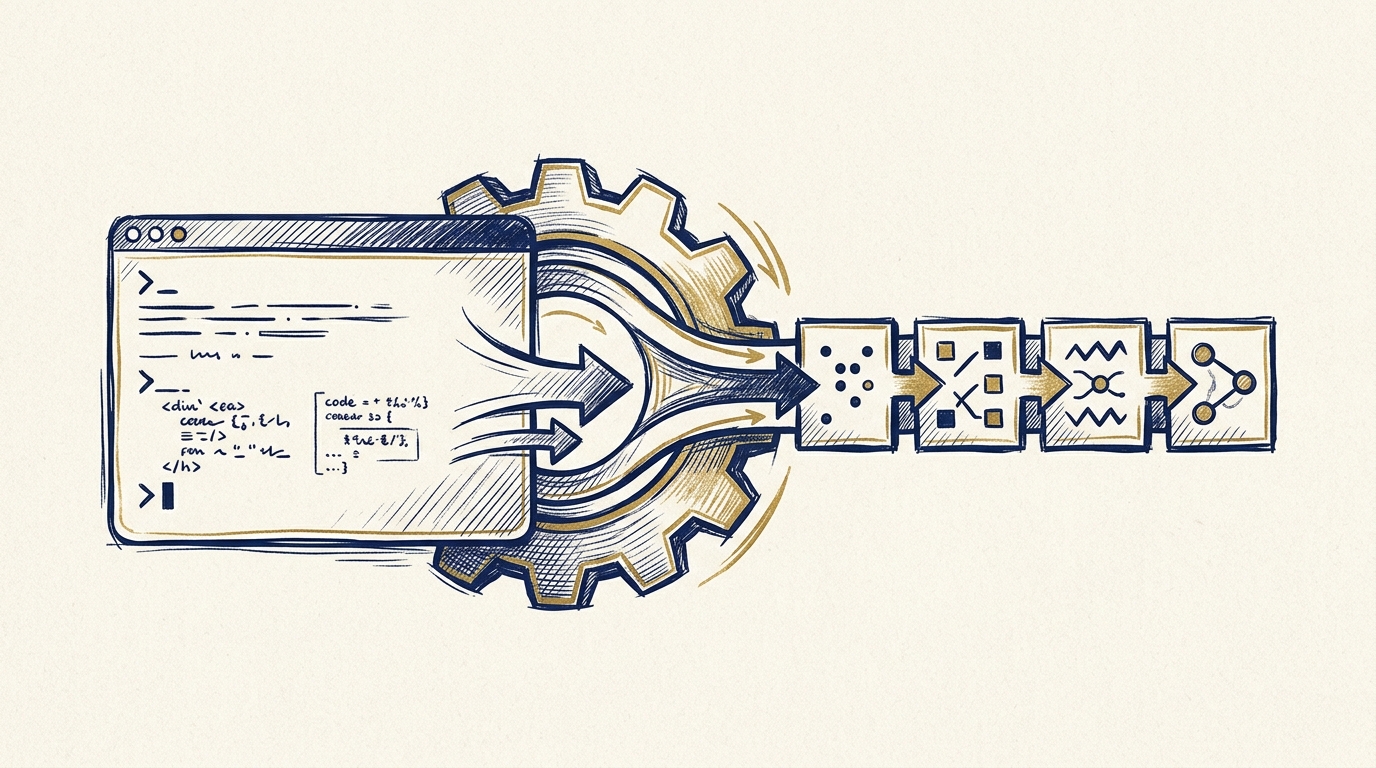
Py2Native turns plain Python into native machine code from a single CLI command. The next step is making that command run reliably without you. This article shows a one-time setup, real CI/CD workflows, failure handling, and the habits that keep automated compilation boring and predictable.
The Manual Compilation Bottleneck
A common release-day routine looks like this:
- Open a terminal on the right machine.
- Reinstall or update the toolchain.
- Run the build command with the correct globs and flags.
- Hope the output still matches the last release.
- Copy the artifact somewhere before someone overwrites it.
That flow breaks when the person who owns the process is unavailable, when CI runs on a different OS, or when the build depends on a secret that should never be on a developer laptop.
The manual Cython/C-extension route is even harder: you maintain .pyx files, write build glue, and manage platform-specific extension details. Py2Native removes that ceremony. You write ordinary Python, point the compiler at your sources, and get a native executable, shared library, wheel, or embedded deployment directory. In automation terms, that means the CI pipeline only has to invoke one command.
One-Time Setup: Preparing Your Project for Automated Builds
Make Py2Native reproducible in your project by adding it with uv:
uv add py2native
Commit your uv.lock file. That gives CI a consistent dependency graph instead of resolving whatever is newest at build time.
Next, decide which output you want in the pipeline:
# Native executable
uv run py2native build main.py src/*.py

# Native library plus wheel
uv run py2native build main.py src/*.py --library --wheel dist/

# Embedded uv-managed deployment directory
uv run py2native build main.py src/*.py --embed deploy/
A small build script keeps the flags in one place:
#!/usr/bin/env bash
# scripts/build.sh
set -euo pipefail

uv run py2native build \
  main.py \
  src/*.py \
  --wheel dist/ \
  --license license.dat \
  --public public.pem
The script reads the license and public key from the repository workspace. In CI, the license file is written from a secret.
Pro license setup in CI
If you use the Pro plugin, license verification belongs in the automated path. Generate the keypair once in a controlled environment:
uv run py2native keygen private.pem public.pem
Sign a license to a JWT file:
uv run py2native sign --private private.pem \
  '{"sub":"acme","exp":1798761600}' \
  license.dat
Store private.pem only in your CI secret store. The public key can live in the repository because it is designed to be distributed. During the build, pass both the license and public key:
uv run py2native build main.py src/*.py \
  --license license.dat \
  --public public.pem
The Pro plugin verifies the license before compilation. For runtime license checks inside a binary, see How to Verify JWT Licenses in Python Compiled Binaries with Py2Native Pro.
The Automated Pipeline: CI/CD Integration Examples
Py2Native is a command-line tool, so any CI/CD platform that can run shell commands can build native artifacts.
GitHub Actions
This workflow runs on version tags, restores the uv cache, builds a wheel, and stores the artifact:
name: build-native

on:
  push:
    tags: ["v*"]
  workflow_dispatch:

jobs:
  build:
    runs-on: ubuntu-latest
    steps:
      - uses: actions/checkout@v4

      - uses: astral-sh/setup-uv@v5

      - name: Cache uv
        uses: actions/cache@v4
        with:
          path: ~/.cache/uv
          key: uv-${{ runner.os }}-${{ hashFiles('uv.lock') }}

      - name: Install dependencies
        run: uv sync --locked

      - name: Write Pro license file
        run: printf '%s' "${{ secrets.PY2NATIVE_LICENSE }}" > license.dat

      - name: Build native wheel
        run: uv run py2native build main.py src/*.py --wheel dist/ --license license.dat --public public.pem

      - name: Upload wheel
        uses: actions/upload-artifact@v4
        with:
          name: native-wheel-linux
          path: dist/
The important part is the build step: same command as local development, but running from a clean runner.
GitLab CI
GitLab follows the same pattern with stages for build, test, and artifact upload:
image: python:3.12

stages: [build, test, publish]

before_script:
  - curl -LsSf https://astral.sh/uv/install.sh | sh
  - export PATH="$HOME/.cargo/bin:$PATH"
  - uv sync --locked

build:
  stage: build
  script:
    - printf '%s' "$PY2NATIVE_LICENSE" > license.dat
    - uv run py2native build main.py src/*.py --library --wheel dist/ --license license.dat --public public.pem
  artifacts:
    paths:
      - dist/
    expire_in: 7 days
For a private artifact repository, upload the resulting wheel from the dist/ directory as a normal package. The build job is complete when the wheel contains the compiled shared library and the generated __init__.py/__main__.py import bridge.
Monitoring and Failure Handling in Automated Builds
A successful pipeline is quiet. A useful pipeline is noisy when it fails.
Notify the right people
In GitHub Actions, add a failure-only notification:
- name: Notify Slack on failure
  if: failure()
  run: |
    curl -sS -X POST \
      -H 'Content-Type: application/json' \
      --data '{"text":"Py2Native build failed: ${{ github.run_id }}"}' \
      "${{ secrets.SLACK_WEBHOOK_URL }}"
The same pattern works in GitLab or any other CI system. The message should include a link to the failed run and the artifact name or build matrix leg.
Keep logs close to artifacts
Tee the build output into a log and upload it with the artifact:
uv run py2native build main.py src/*.py --wheel dist/ \
  --license license.dat --public public.pem \
  2>&1 | tee build.log
On failure, the log tells you whether the problem is in source globbing, Cython generation, C compilation, linking, or license verification.
Common failures and responses
| Failure | What to check |
|---|---|
| Missing C compiler | Install MSVC on Windows, GCC on Linux, or Clang on macOS on the runner. |
| Cython/source errors | Run the same command locally with the same Python version; check for identically named modules across source files. |
| License verification failure | Ensure license.dat is valid, not expired, and was signed by the private key that matches public.pem. |
| Transient network failure during dependency download | Retry the build step instead of failing the whole pipeline. |
A retry wrapper is useful when uv or the compiler downloads Python distributions:
- name: Build with retry
  uses: nick-fields/retry@v3
  with:
    command: uv run py2native build main.py src/*.py --wheel dist/ --license license.dat --public public.pem
    max_attempts: 3
    timeout_minutes: 10
Best Practices for Reliable Automated Compilation
These habits prevent most CI pain before it starts.
- Pin with
uv.lock. Runuv sync --lockedin CI. If the lockfile changes, it shows up in review instead of in a failing build. - Cache uv aggressively. Cache
~/.cache/uvbetween runs. Native builds already take time; do not spend extra minutes re-downloading Cython, setuptools, and Python distributions. - Smoke test the compiled artifact. Build with
--embedor--wheel, then run a known-good command against the output in a separate CI step:
# replace with your real executable name and test flag
./deploy/bin/myapp --self-test
That verifies the native binary runs, not just that it linked.
- Use a matrix for multiple OSes. If you ship to Windows, Linux, and macOS, build on each target platform:
strategy:
  matrix:
    os: [ubuntu-latest, windows-latest, macos-latest]
Py2Native compiles natively on the target platform, so each matrix leg should run on the OS it is intended to produce.
- Keep the private key out of the repository. CI needs only the signed license file and the public key. The private key belongs in a secret store with minimal access.
- Commit the build script. The one-time setup should not live in a wiki. A
scripts/build.shor equivalent makes local and CI builds identical.
FAQ
Can I automate Py2Native builds on any CI/CD platform?
Yes. Py2Native is a command-line tool, so it works with any CI/CD system that can run shell commands. Install uv, sync your project, and run uv run py2native build with the desired options.
How do I handle Pro license verification in an automated pipeline?
Store your license file as a secret in the CI environment. Write it to a temporary file before the build, then pass it with --license license.dat and your public key with --public public.pem. The Pro plugin verifies the JWT before compilation.
Does Py2Native support cross-compilation for different platforms?
Py2Native compiles natively on the target platform. For cross-platform builds, use CI runners for each operating system and run the build on Windows, Linux, and macOS separately.
What are the system requirements for running Py2Native in CI?
The runner needs CPython 3.11–3.15, including free-threaded 3.14t and 3.15t builds, plus a platform C compiler. Windows runs use MSVC, Linux runs use GCC, and macOS runs use Clang. The runner also needs internet access to download Python distributions and dependencies.
Conclusion
Automating Python code compilation with Py2Native replaces a manual, person-dependent release step with a repeatable pipeline. The workflow is not a bundle of build scripts wrapped around Cython: it is plain Python sources in, native artifacts out, with the same command in local development and CI.
Start by adding Py2Native to your project at Py2Native, then move the build command into a tag-triggered workflow. Pin the lockfile, cache uv, and make the Pro private key a secret. From there, every release produces a protected native binary without anyone touching a compiler.
Related posts
- Cython Alternatives for Python Code Protection: Py2Native vs. Raw Cython
- Protecting Python Source Code: Why Compiling to Native Code Matters
- How to Verify JWT Licenses in Python Compiled Binaries with Py2Native Pro